sales06@switek.biz

+86 186 5927 5869

Shopping

Subscrib to Us
sales06@switek.biz
+86 186 5927 5869
Shopping
Subscrib to Us

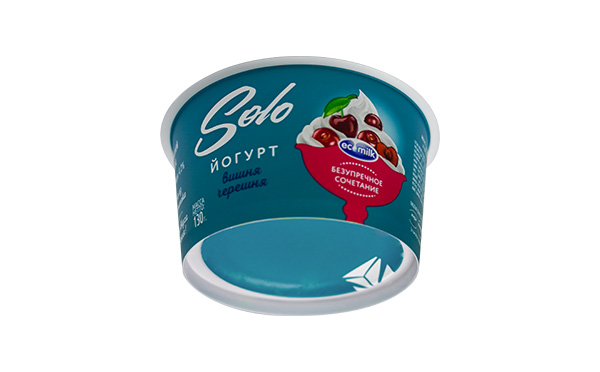
With the control system developed by the Austria automatic company SIGMATEK GmbH & Co KG, SWITEK high speed side entry IML robot is providing a more efficient and outstanding performance for your quality bulk production of the IML Yogurt Cups.
1.1 Prepare
After the starting up, Automatic into prepare sceen, as the picture below 1.1.1:
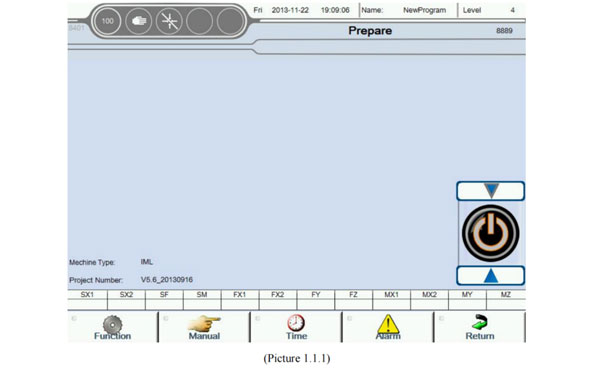
Prepare show the current state of the robot. User can easy understanding of the equipment running status. And can setup robot basic running parameter in this Screen, such as setup running speed, login password, motor switch etc. At the bottom of the page has 5 buttons, the 5 buttons to be distinguished 4 main function block.
 | Function Screen Include Teach, System parameter, Servo parameter etc. |
 | Jog Opertion Screen Include robot Jog function, the add-on function jog setting. |
 | Relevant conventional set Set blow the time parameter etc. |
 | Alarm Screen Detailed information on current and recent alarm. Convenient to analyze the cause of the problem. |
 | Back up Exit the current screen to pre-screen. |
The follow picture 1.1.2 detailed the Prepare screen about the meaning and function of each block display etc.
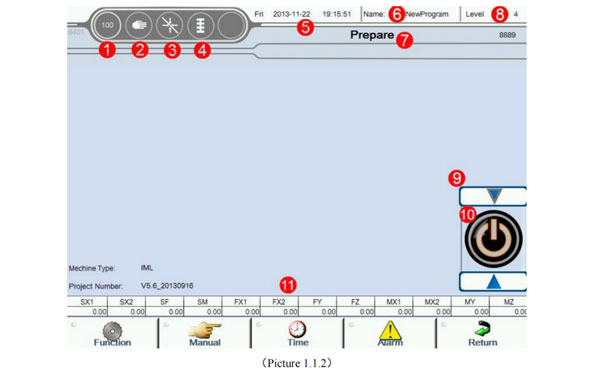
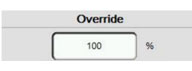 | Actual rate is 100 percentage, according to the set speed running. |
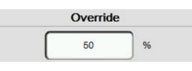 | Set actual rate is 50 percentage, according to the 50 percentage speed running. |
 | Manual mode: servo control off |
 | Manual mode: servo control on. |
 | Automatic mode |
 | Step mode |
 | Step moving |
 | Not get reference |
 | Get reference already |
 | Edit teach program, Teach mode |
When the arrow shows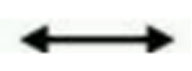 , Said the operation is not restricted, can forward and backward.
When the arrow shows  , Said the operation is restricted, can not forward and backward.
When the arrow shows 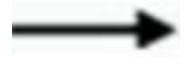 , Can forward but can not backward.
When the arrow shows 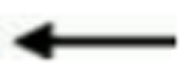 , Can not forward but can backward.
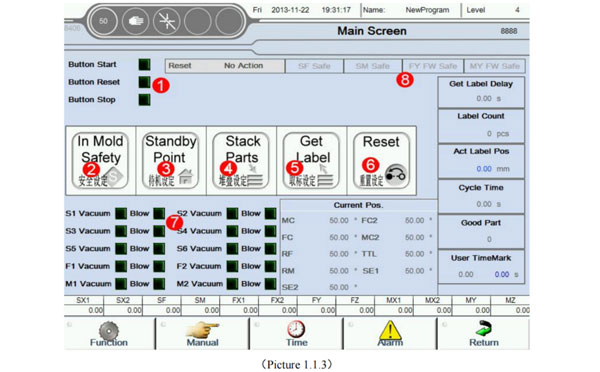


Contact SWITEK IML
sales06@switek.biz
+86 186 5927 5869

DongGuan, GuangDong, China
HuangYanZheng©Copy Right